
Maintenance

Maintenance IT : quand view a technicien ?

The signes qui indiquent qu'a PC, a network or a software a need d'a diagnosis serieux.

2026-05-26 3 min of reading Basdwebpro
MaintenanceDomain SEOoptimisé Actionadvice utile
LenteursChauffeVirusWi-FiBackup
Maintenance IT : quand view a technicien ? - Blog Basdwebpro
Guide Basdwebpro 3 min · prêt to apply
Essential

The signes qui indiquent qu'a PC, a network or a software a need d'a diagnosis serieux.

Consultez a technicien quand the lenteurs deviennent recurrentes, que the PC chauffe, que the batterie chute vite or que of messages suspects apparaissent.

A diagnosis est aussi utile before a installation Windows, a migration of donnees, a configuration Wi-Fi or a mise en place of plusieurs postes.

For a entreprise, the maintenance evite the interruptions : backups, antivirus, mises a jour, network and software doivent etre suivis.

A retenir

Checklist utile

  • Lenteurs
  • Chauffe
  • Virus
  • Wi-Fi
  • Backup
Action

Transformer ce advice en solution concrete.

Basdwebpro peut vous support for l'purchase PC, the maintenance, the security, the Wi-Fi, the website, l'e-commerce or the tools of management.

WhatsApp Basdwebpro services Devenir partenaire
Articles similar

Continuer with the bon subject.

Bonnes habitudes for secure ses comptes sur the networks sociaux - Basdwebpro Security IT

Networks sociaux : the bonnes habitudes for protect vos comptes, vos données and votre réputation

Facebook, Instagram, WhatsApp, TikTok, LinkedIn, Snapchat or X/Twitter font part of the quotidien, mais ils exposent aussi the users in piratage, in phishing, to l’usurpation d’identité and to arnaques. Découvrez the bonnes habitudes to adopter for secure vos comptes, protect vos données personnelles and préserver votre réputation en ligne.

Lire
Security of mots of passe dans the navigateurs - Basdwebpro Security IT

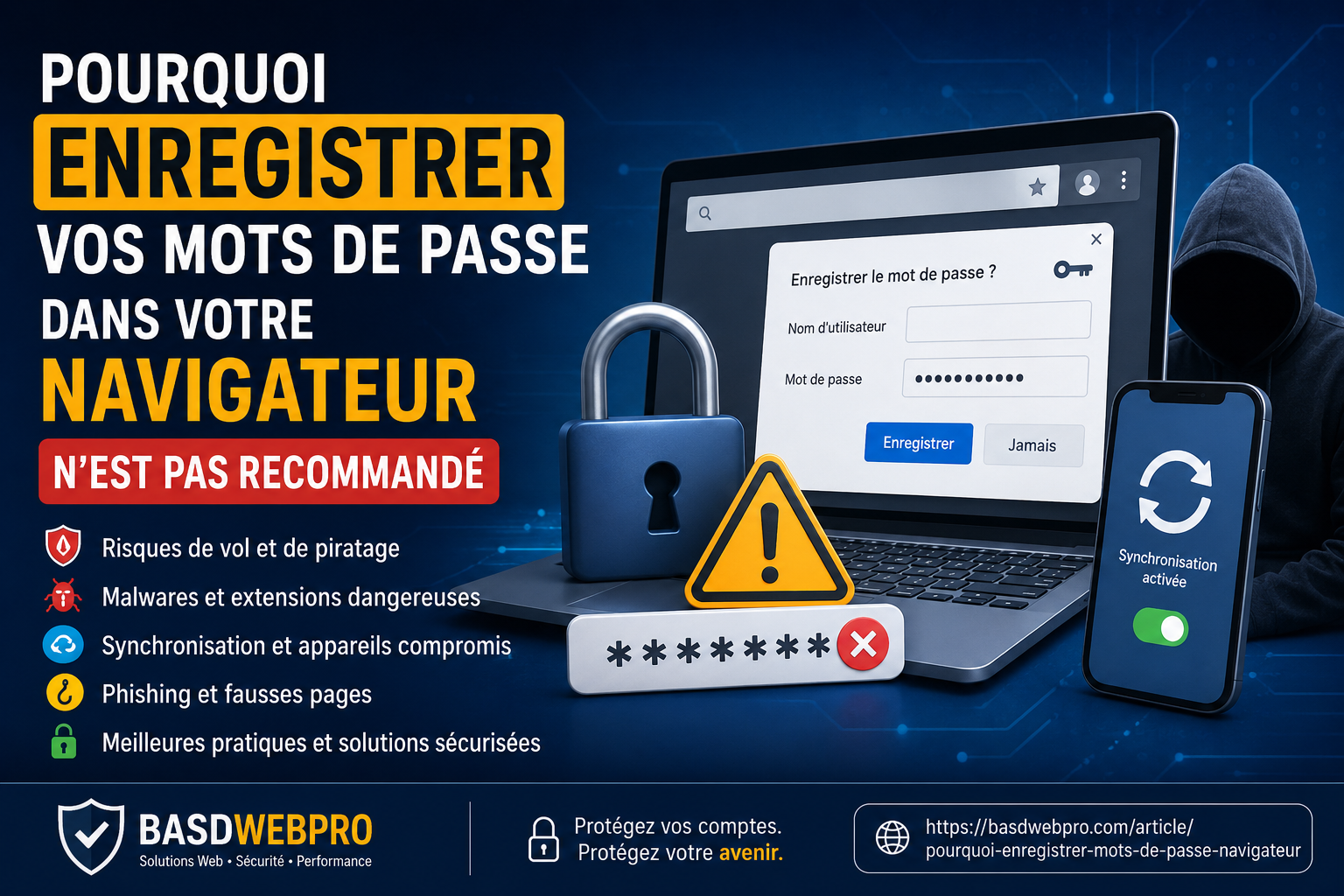
Pourquoi enregistrer vos mots of passe dans votre navigateur n’est no recommandé

Enregistrer ses mots of passe dans Chrome, Edge, Firefox or Safari est pratique, mais cette habitude peut exposer vos comptes to of risques importants : vol of session, malware, phishing, synchronisation compromise, extensions dangereuses and accès no autorisé. Voici a guide complete for understand the dangers and adopter the bonnes pratiques.

Lire
Guide pratique

Comment protect son computer with a antivirus ?

Install a antivirus ne suffit no : il faut aussi the configure, the mettre a jour and adopter of bons reflexes.

Lire
R Search WA WhatsApp @ Email IG Instagram